What does each system do?
A learning management system is where teaching happens online. A teacher builds or uploads lessons and materials, sets assignments and quizzes, students work through them, and the system records progress and grades on those activities. Forums, announcements and links to live classes are common.
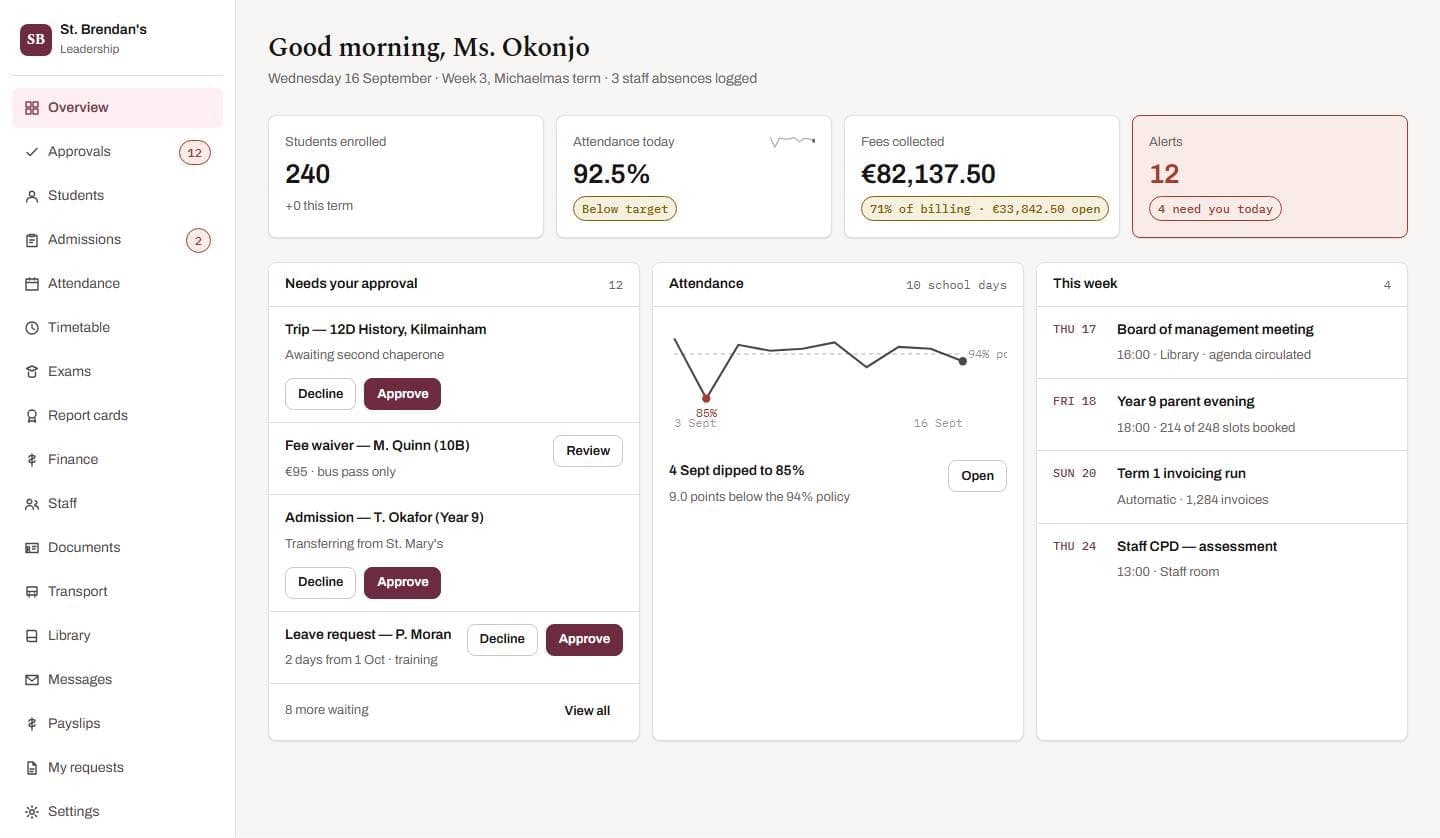
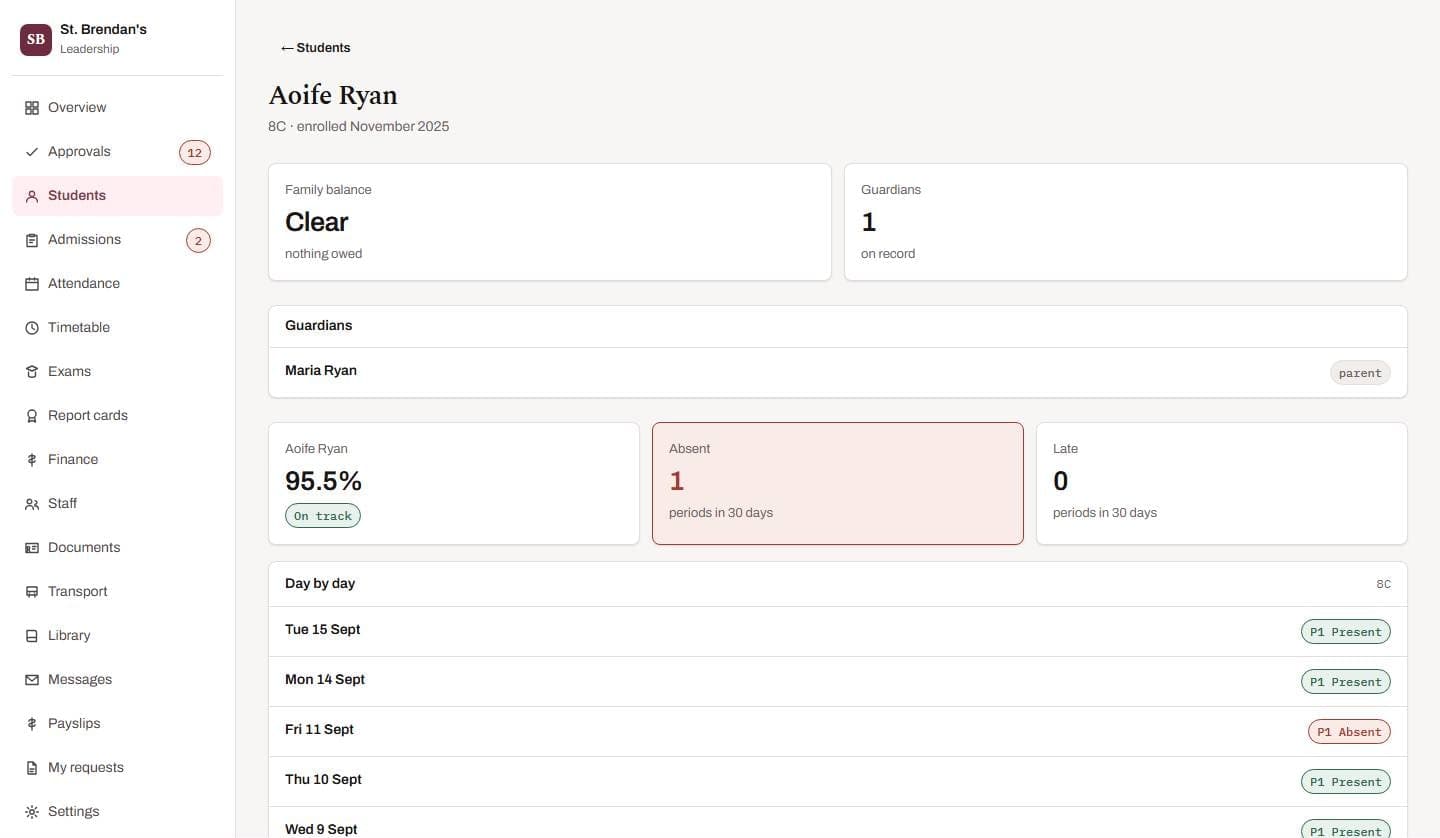
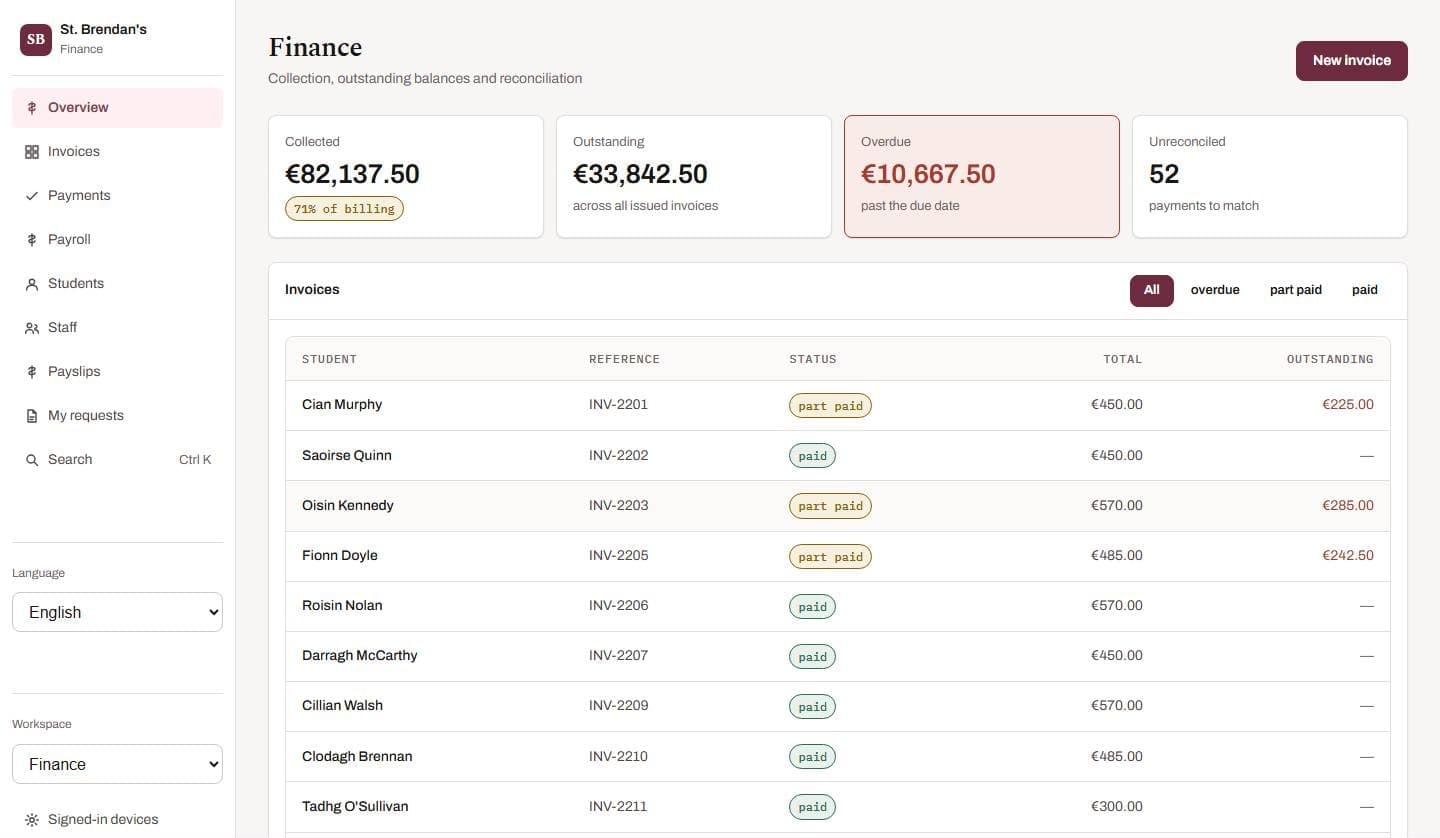
A school ERP (enterprise resource planning), usually called a school management system, is where the institution is run. It holds the student record and handles enrolment, registers, timetables, report cards, fee invoicing, staff and payroll, and messages to families. The education ERP page describes what that covers.
How do they compare, side by side?
| Learning management system | School ERP | |
|---|---|---|
| Core question | What are students learning? | Who are our students and how is the school running? |
| Main users | Teachers and students | Office, finance, leadership, teachers, families |
| Typical data | Courses, lessons, quizzes, submissions | Students, guardians, attendance, invoices, timetables, payroll |
| Money and staff | Not covered | Fees, payroll, leave |
| Attendance | Sometimes per class or session | The official daily or lesson register |
| Grades | Scores on activities | Term grades and report cards |
| Source of the student list | Usually receives it from elsewhere | Usually holds it |
Where do they overlap?
Two areas overlap, and both cause trouble when nobody decides which system is the record.
Grades
An LMS records scores on individual activities. The ERP produces the term report. If teachers mark in both systems, the same piece of work can end up with two different marks. Decide that one of them is the source, and pass results from that one to the other.
Attendance
Some LMS products track attendance at online sessions. The official register, the one a regulator or a parent will ask about, normally belongs in the ERP. A register taken in a classroom should not depend on an online platform being reachable.
Do you need both?
| Your situation | What usually fits |
|---|---|
| Mostly classroom teaching, modest online work | A school management system, with coursework features for setting and marking work |
| A large online curriculum, blended or remote learning | A school management system for administration plus a full LMS for teaching |
| Already using an LMS that teachers like | Add a school management system and connect the two, rather than replacing the LMS |
| Very small school with little paperwork | Start with the ERP side. Add an LMS only if teachers ask for one |
The most common mistake is buying an LMS to solve an administration problem, or the reverse. A school that cannot answer “who owes fees?” needs the ERP side. A school whose teachers cannot share lesson materials needs the LMS side.
How do you connect an LMS to a school ERP?
- Student list. The ERP is the source. New students should reach the LMS without being retyped, through an API or a scheduled export.
- Class membership. Which students are in which class should come from the timetable or class groups in the ERP.
- Results. Decide whether final grades are passed back from the LMS to the ERP, or entered once in the ERP.
- Sign-in. Ideally one set of credentials works in both. That usually needs an identity provider.
How easy this is depends on the two products. Ask both vendors what integration exists today and what would have to be built. For student information systems the same questions apply.
What mistakes do schools make when choosing?
- Buying one to fix the other's problem. An LMS will not tell you who owes fees, and an ERP will not give teachers a library of lessons.
- Letting both systems keep grades. Two sets of marks drift apart. Pick the record and pass results one way.
- Ignoring the student list. If staff retype each new student into the LMS, the two systems fall out of step within weeks.
- Choosing on the demo of the best feature. Test the boring tasks too: enrolling a student, taking a register, resetting a password.
- Forgetting families. Parents are users of the ERP side. A system teachers love but families cannot use leaves the office answering the phone.
What should you ask each vendor?
Put the same short list to the LMS vendor and the school-management vendor, and write down the answers:
- What can you do today to share student and class lists with a system like the other one? Is that standard or custom work?
- Where do final grades live, and in which direction do they move?
- Who can see a student's work and results, and how is that enforced?
- What does it cost to connect the two, and who maintains the connection?
- How do we take our data with us if we leave?
Where does AcademicsFlow sit?
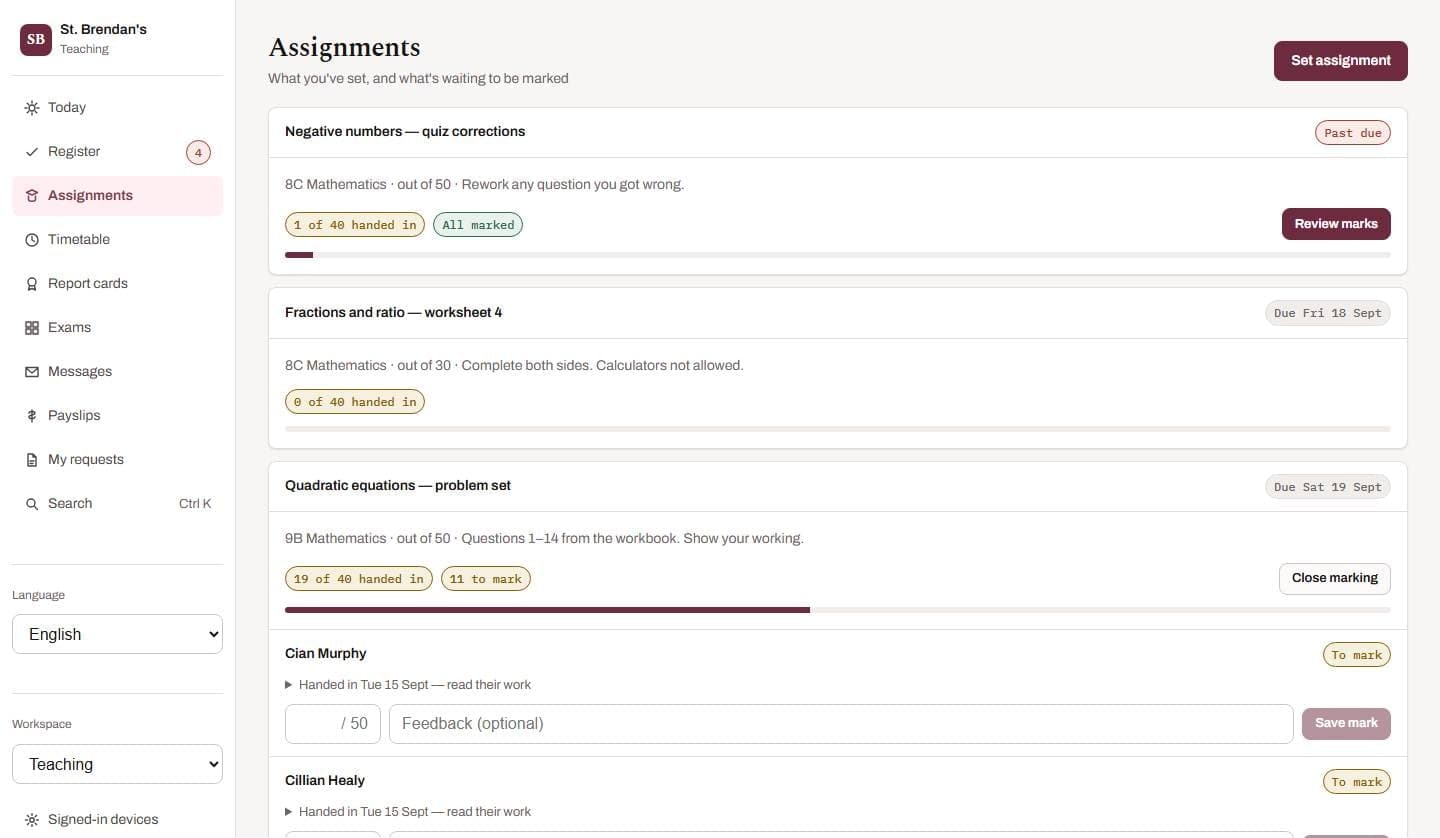
AcademicsFlow is a school ERP and school management system. It is not a full LMS. It covers the part of learning that touches administration: setting coursework, student hand-in with files or a phone photograph, marking with feedback, and marks that feed report cards, all in the coursework module. It does not include course-content authoring, quizzes or forums.
If you already use a learning platform, AcademicsFlow can remain the record of students and results, and connecting the two is an integration quoted separately, built on a documented REST API. The learning management system page has the full list of what is and is not included.