A note before you start
This is practical guidance for buyers, not legal advice. Data-protection rules differ by country and by type of school, so check what applies to you.
Who can see which student's data?
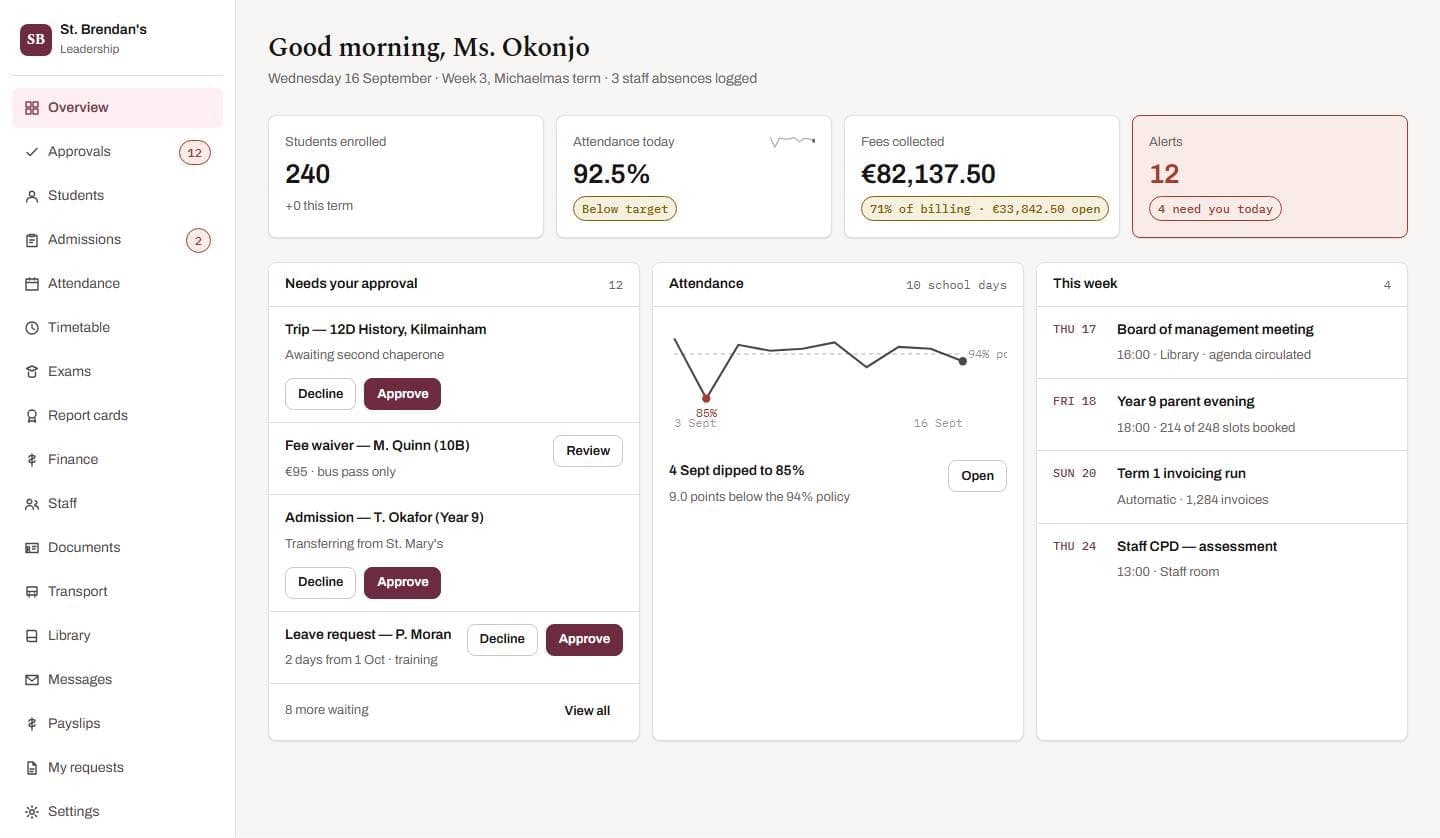
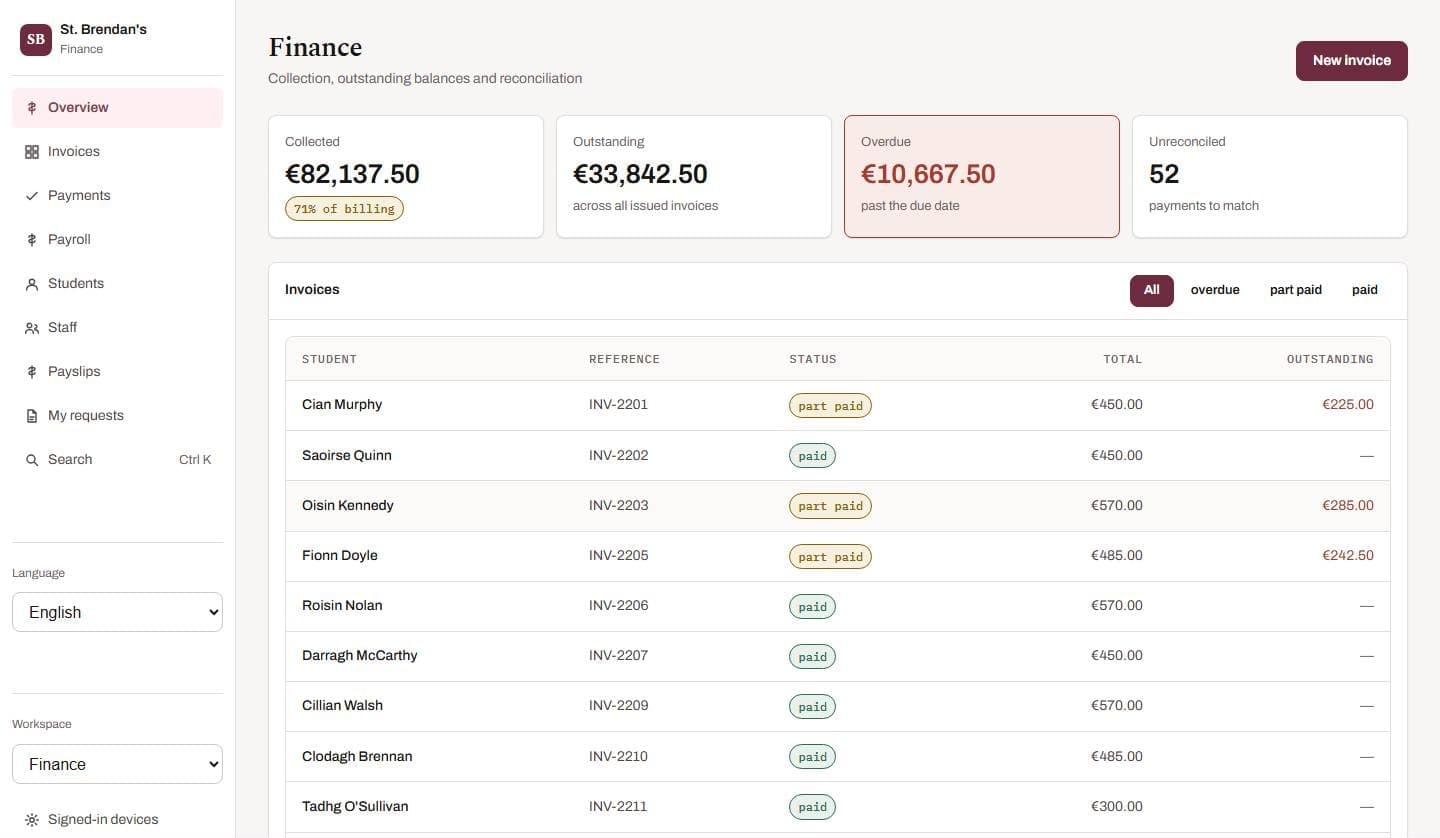
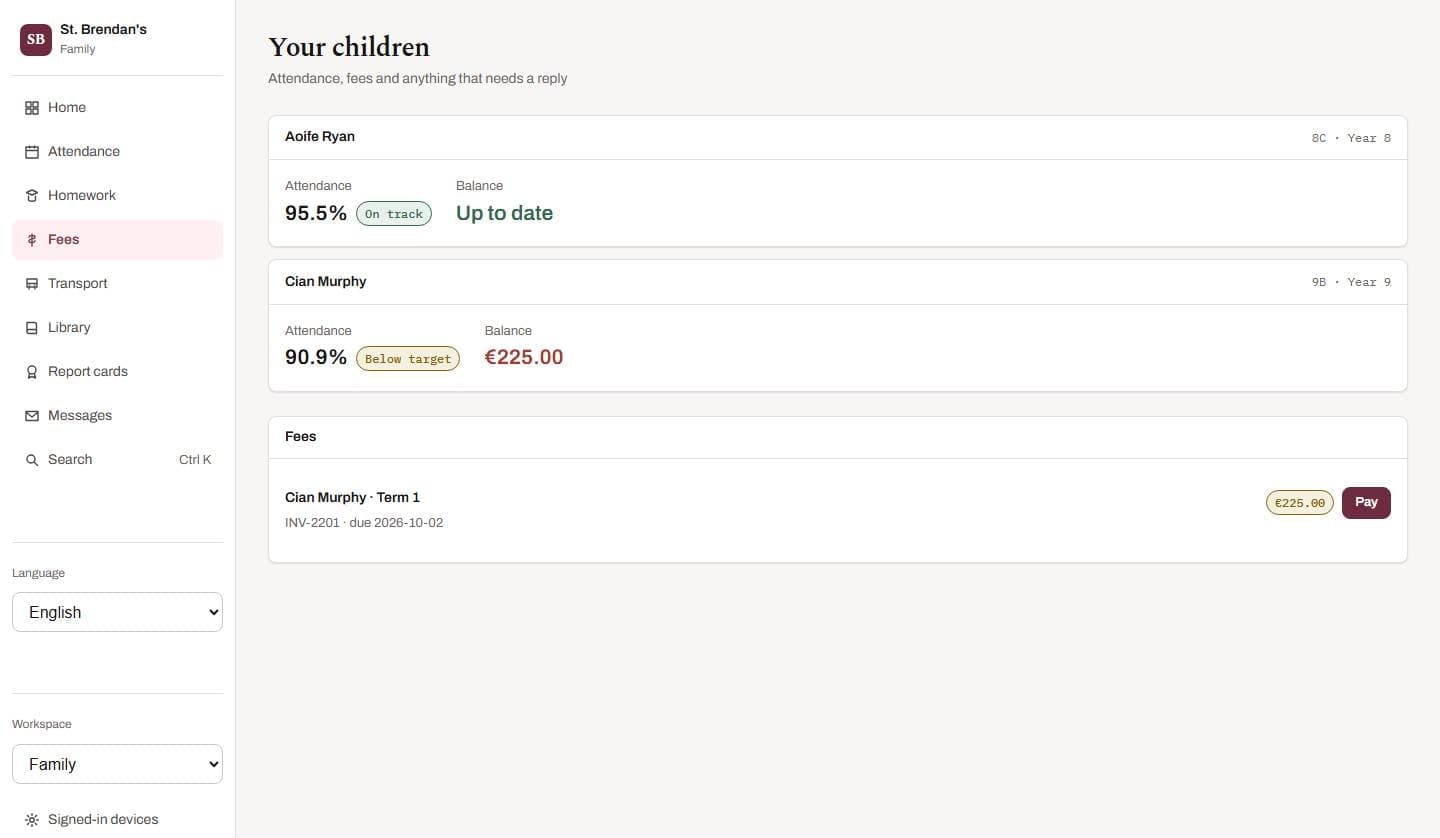
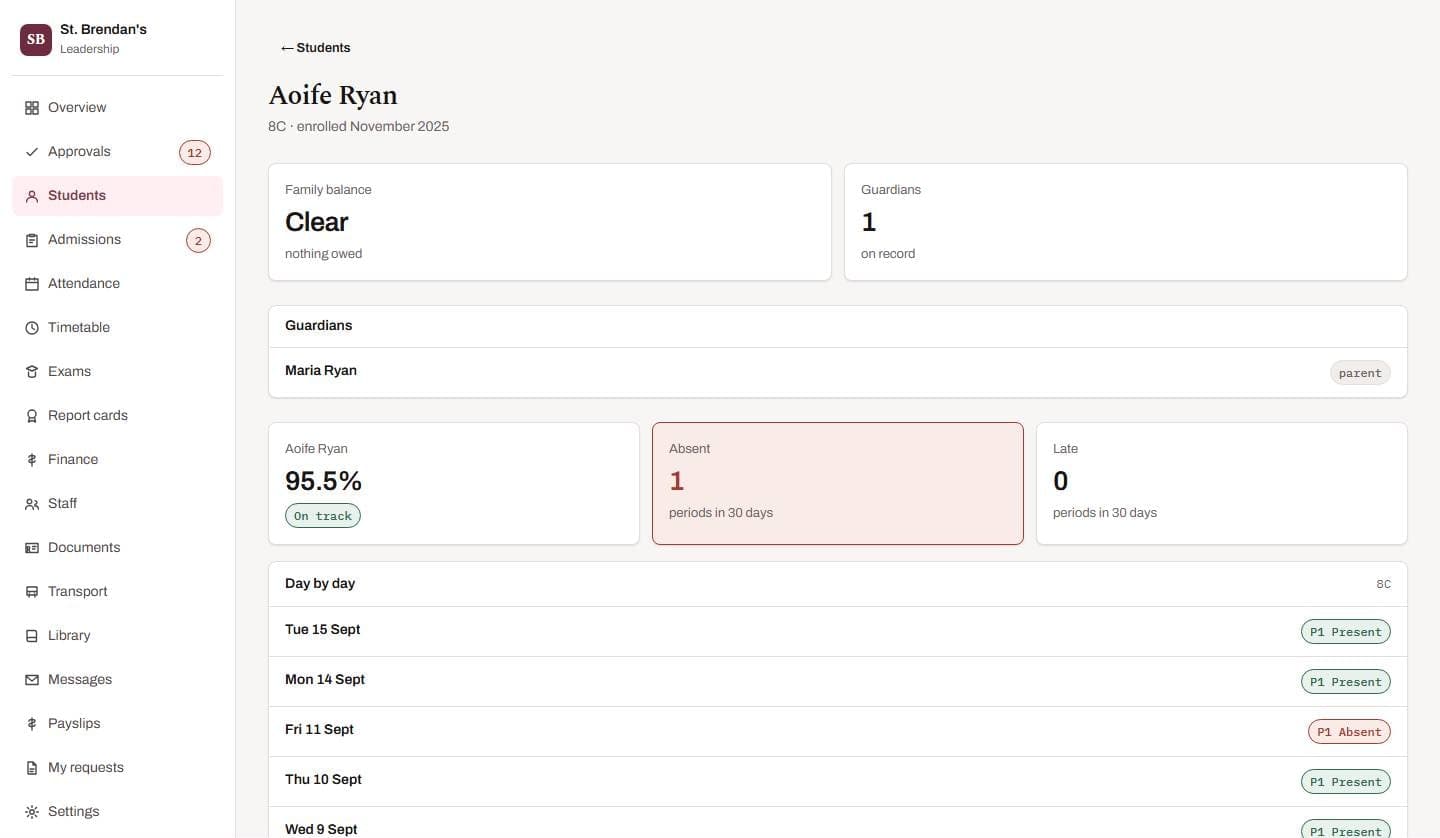
The key question is how access is enforced. A parent should see only their own children and a teacher only what their role allows, and that has to be decided by the server on every request. If it is only hidden in the interface, it can be bypassed. Ask the vendor to show you a parent account next to a principal's account.
In AcademicsFlow, every request is checked against the signed-in person's role and relationships on the server, so the same rules hold for the web app and every integration.
Where is the data stored, and who owns it?
- Region. Can the data be hosted where your regulations require?
- Ownership. Is it clear that the school owns the data?
- Other uses. Is the data ever used for advertising or anything beyond providing the service?
- Deployment options. Is a private cloud or on-premise deployment possible if you need one?
AcademicsFlow's answers: your school owns its data. It is hosted in the cloud region you choose, or deployed to your own private cloud or servers as a custom arrangement, and it is used only to provide the service to your school, never for advertising.
What contract and evidence should you ask for?
- A data-processing agreement (DPA) that sets out how the vendor handles personal data on your behalf.
- A security questionnaire answered in writing.
- Any certification the vendor claims, such as SOC 2 or ISO 27001, with the report or certificate. If there is none, ask how security is tested instead.
AcademicsFlow does not hold SOC 2 or ISO 27001 certification and does not claim to. Data-processing agreements are available on request, security questionnaires are completed on request, and the security page describes how the product is built and tested.
How are sign-in, files and ID cards protected?
| Area | What to ask | How AcademicsFlow answers |
|---|---|---|
| Sessions | Can people see and end their signed-in devices? How are tokens protected? | Rotating refresh tokens with reuse detection. People can see their devices and sign any of them out remotely. |
| Uploaded files | How are files checked, and who can download them? | Files are typed by their contents, capped at 5 MB, and SVGs are refused. Only the people in the conversation or coursework can download them. |
| ID cards | Can a lost card be cancelled? What does the code contain? | Cards carry a signed code, not the student's id. Printing new cards cancels the class's earlier ones. |
| Payments | Do card details touch the school's systems? | No. Paying opens the payment provider's hosted checkout. |
| Multi-factor sign-in | Is it available? | Not yet. Multi-factor sign-in and single sign-on are on the roadmap and built to order for your identity provider. |
What counts as student data?
More than most schools first think. A school system can hold:
- Identity and contact details for children and their guardians.
- Attendance, behaviour and academic results.
- Health notes, dietary needs and emergency contacts.
- Photographs and documents, such as birth certificates and consent forms.
- Messages between families and staff.
- Payment records and, depending on the setup, banking or card information.
Some of that is more sensitive than the rest, and some may be treated specially under the law that applies to you. Know what you hold before you ask where it will go.
What should your own school do?
Even the best software cannot protect data that is shared carelessly. The vendor's controls and your own habits work together:
- Give each person the least access they need for their job, and review it each term.
- Remove access on the day someone leaves, and do not share accounts.
- Use strong, unique passwords, and ask staff not to reuse them elsewhere.
- Keep devices that open the system locked and updated.
- Decide how long you keep records of leavers, write it down and follow it.
- Know who to tell, and how quickly, if something goes wrong.
Which answers should worry you?
- “Security is handled by our hosting provider” and nothing more specific.
- A claimed certification with no report or certificate to show.
- No clear answer on whether the data is used for anything other than your school.
- No way to export your data, or no statement of what is deleted when you leave.
- A feature that is described as secure but cannot be demonstrated with a parent account.
Where can you read the rules that apply to you?
Rules differ by country, and a checklist is not a substitute for advice. Two starting points: the US Department of Education's student privacy resources, and the European Commission's explanation of EU data protection. If you are elsewhere, your national data-protection authority is the place to start.
What about audit trails and leaving?
Ask what is logged and how long you can see it. AcademicsFlow gives school administrators an audit log of sign-ins and account changes. Wider coverage, such as every grade edit, with export, is on the roadmap.
Ask how you leave: what you can export, in what format, and what the vendor deletes afterwards. AcademicsFlow will help you take a complete copy of your data with you and delete what remains on its systems when you ask.
Student records are the data at stake, so it helps to know what a student information system holds. The security page describes how AcademicsFlow protects it.