What is a college management system?
A college management system is software that runs a college's administration: who the students are, which classes they are in, who is teaching them, whether they turned up, how they are doing, and what they owe. It is the college equivalent of a school management system, and the same set of terms (student information system, ERP, learning management system) applies. The difference is in how the college organises study, which changes which features matter most.
“College” means different things in different countries. In some places it is a school for older students, a vocational or further-education provider, or a sixth-form college. In others it is a university-level institution. This guide covers colleges that group students into classes with a weekly timetable. If yours lets students assemble a programme from individual courses and earn credit for each, read the university management system page as well.
Which features does every college need?
| Feature | Why it matters | What to ask the vendor to show you |
|---|---|---|
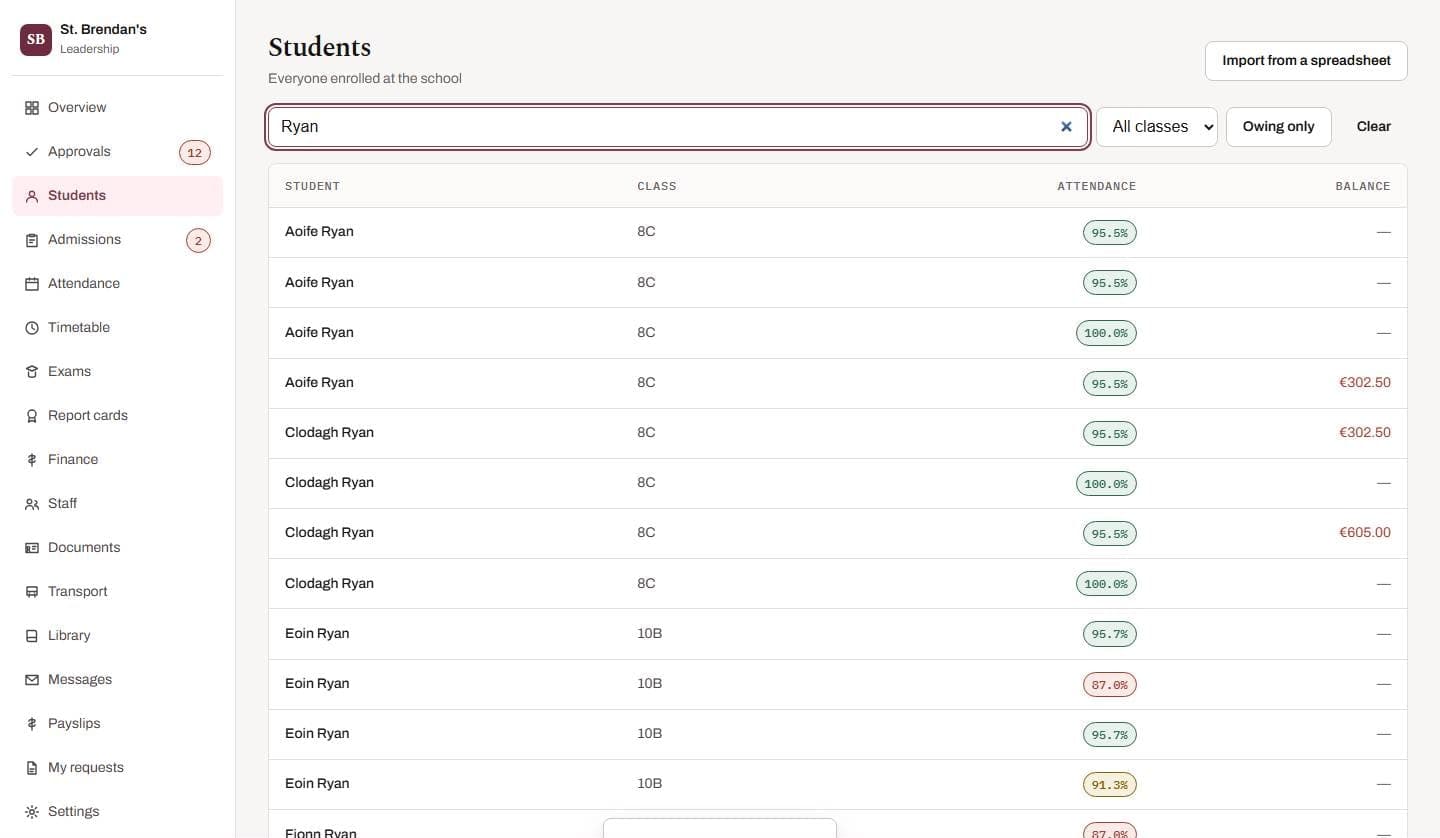
| A single student record | Contacts, guardians, documents, attendance and results should live in one place, so nothing is copied between files. | Open one student and show everything about them on one screen. |
| Admissions to enrolment | A new intake should not be retyped when an applicant is accepted. | Take an application from a public form to an enrolled student. |
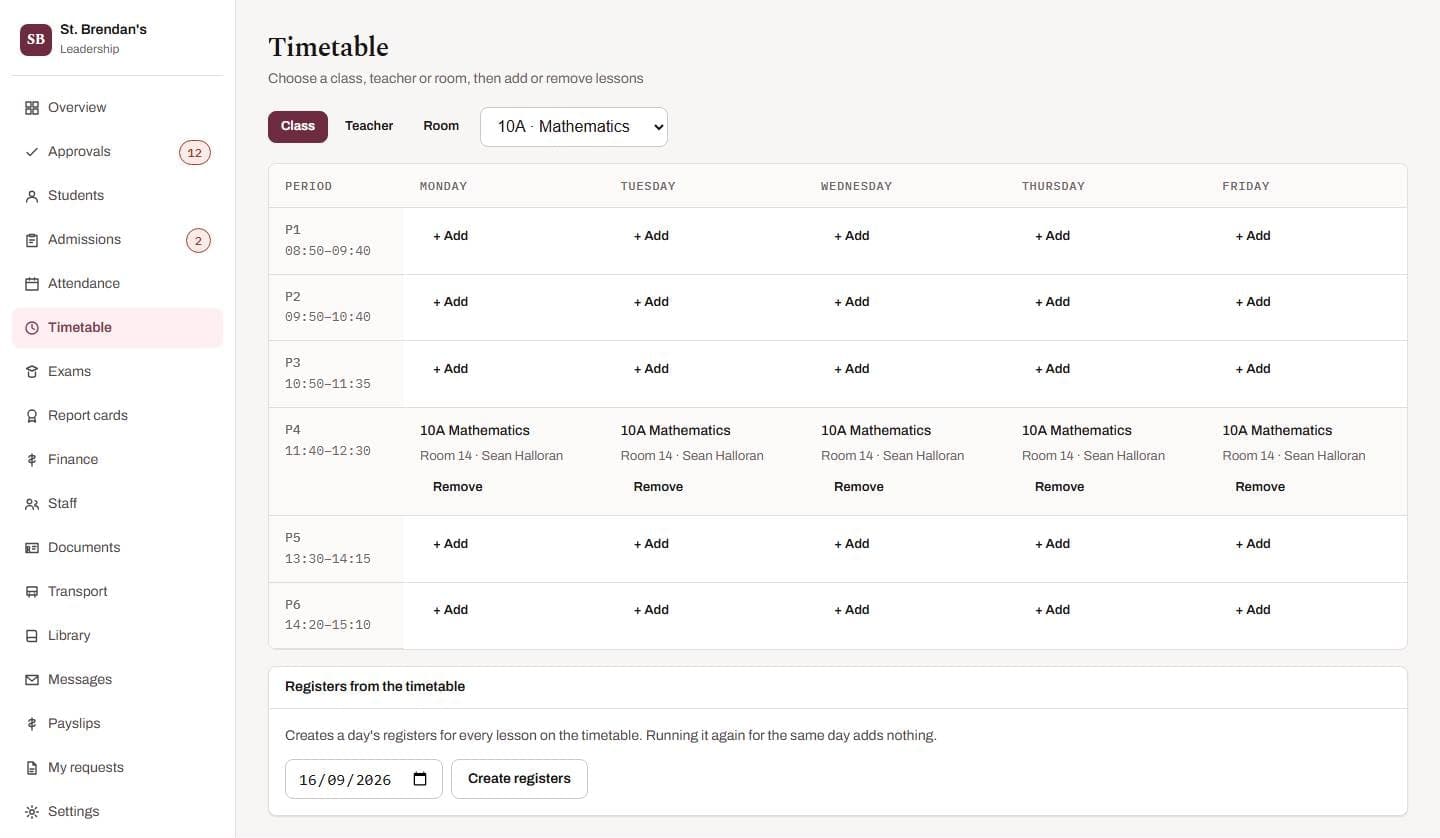
| Timetable | Rooms and staff are scarce, and a double booking wastes a lesson. | Try to book a teacher who is already busy and see what happens. |
| Registers and attendance | Attendance is the first sign that a student is struggling, and often a funding or compliance requirement. | Take a register with the network switched off, then reconnect. |
| Coursework and results | Marks should reach the report without being retyped. | Mark a piece of work and show it appearing in a report draft. |
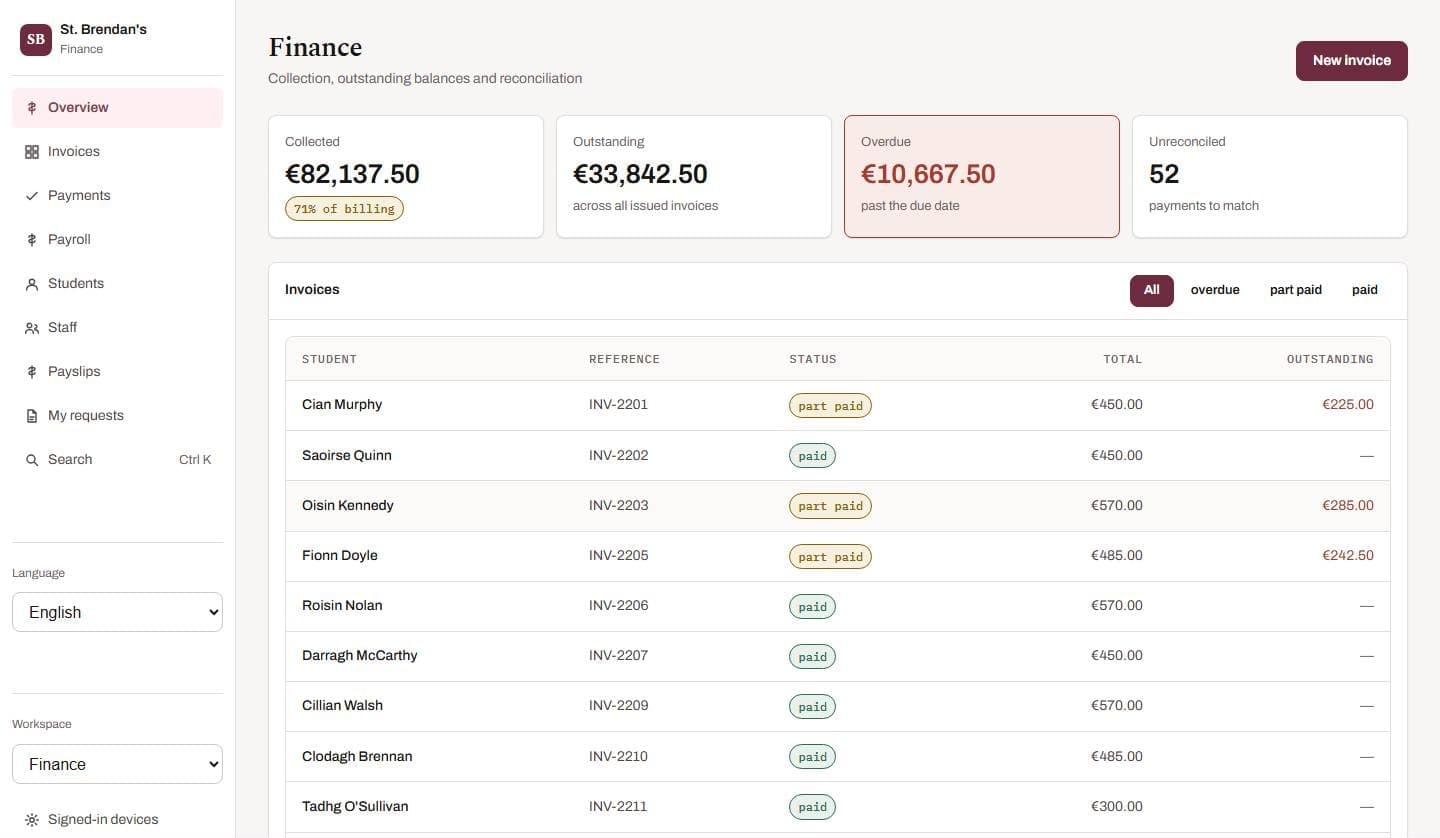
| Fees and online payment | Money collected late is money not available to teach with. | Show what is owed, what is overdue and how a payment is matched. |
| Role-based access | Students, tutors, finance staff and leaders should see different things. | Sign in as a student and as a tutor, and compare what each can open. |
What should each person be able to do?
A feature list is easier to judge from the seat of each person who will use the system. Ask for a short demo of each role:
- Administrators and registrars should be able to enrol a cohort, find any student in seconds, issue documents and approve exceptions in one place.
- Tutors and lecturers should be able to open today's lessons, take a register in a couple of taps, set and mark work, and comment on results.
- Students should be able to see their timetable, hand in work and read feedback without asking anyone.
- Finance staff should be able to invoice, see what is paid and overdue, and match incoming money to students.
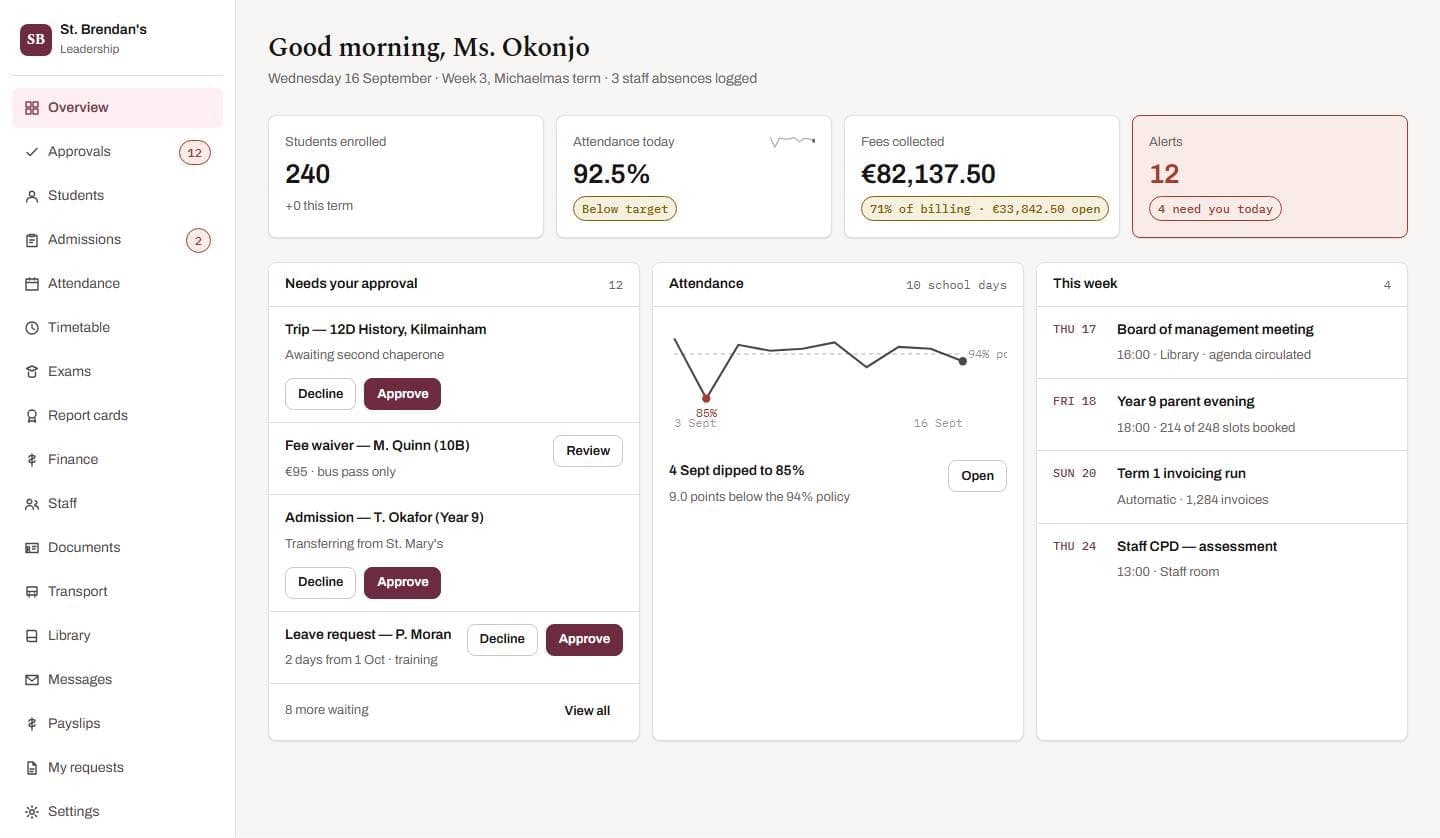
- Leadership should be able to see attendance and fees now, not at the end of term.
Where do college needs differ from a school's?
Many colleges can use school-style software, because the daily work is the same: classes, a timetable, registers and reports. A few areas differ, and they are where a purchase most often goes wrong.
How students choose what to study
If students are placed into a fixed class group for a programme, school-style software fits. If each student registers for individual courses, the system needs a course-registration step, with rules about prerequisites and limits on places. Many school products do not have this.
How credit and results are counted
Colleges that award credit hours, count semesters or calculate a grade point average need grading logic that goes beyond a termly report. Ask whether the product supports your scale out of the box, as a configuration, or only as custom work.
How records leave the college
Transcripts, certificates and verification requests are part of a college's service to its students. Ask how documents are numbered, recorded and checked, and whether a lost or reissued document can be cancelled.
What are the warning signs when you evaluate a system?
- A demo that uses screenshots instead of a running system with realistic data.
- Answers of “yes, that is possible” that turn out to mean a paid customisation. Ask “is it in the standard product today?”
- No clear answer on where data is hosted, who owns it, and how you leave. See the student data privacy checklist.
- Per-module pricing that makes the total hard to compare. The cost guide shows how to put quotes on the same footing.
- A feature that only works with a perfect connection. Registers are taken in corridors and workshops, not just in the office.
How do you test a college system in a demo?
- Describe one real week at your college and ask the vendor to build it live: a cohort, a timetable, a register and one piece of marked work.
- Try to break the timetable by double-booking a tutor or a room.
- Take a register with the network switched off, then reconnect and check it arrived once.
- Sign in as a student and as a tutor and compare what each sees.
- Raise an invoice, pay it, and find it in the finance view.
- Ask for the one thing your college does that most do not, and see how the product handles it.
How does AcademicsFlow line up with this list?
AcademicsFlow covers all six core features for colleges that work in classes with a weekly timetable: a student record, admissions, a timetable that refuses clashes, registers that work offline, coursework and report cards, and fees with a hosted payment page. Each person has a workspace for their role.
It does not include credit hours, semester-based course registration, transcripts across programmes or a full learning management system. Those can be discussed as custom development, and we will say plainly whether they can be built. The college management software page sets out the fit in more detail.