Why does offline attendance matter?
Connectivity in schools is rarely perfect. A classroom at the far end of a building, a rural site or a moving bus can all lose the signal at exactly the moment the register has to be taken. If the system needs a live connection, the register gets skipped, written on paper and typed in later, and the school has done the work twice.
How does offline attendance work?
- The teacher takes the register as normal.
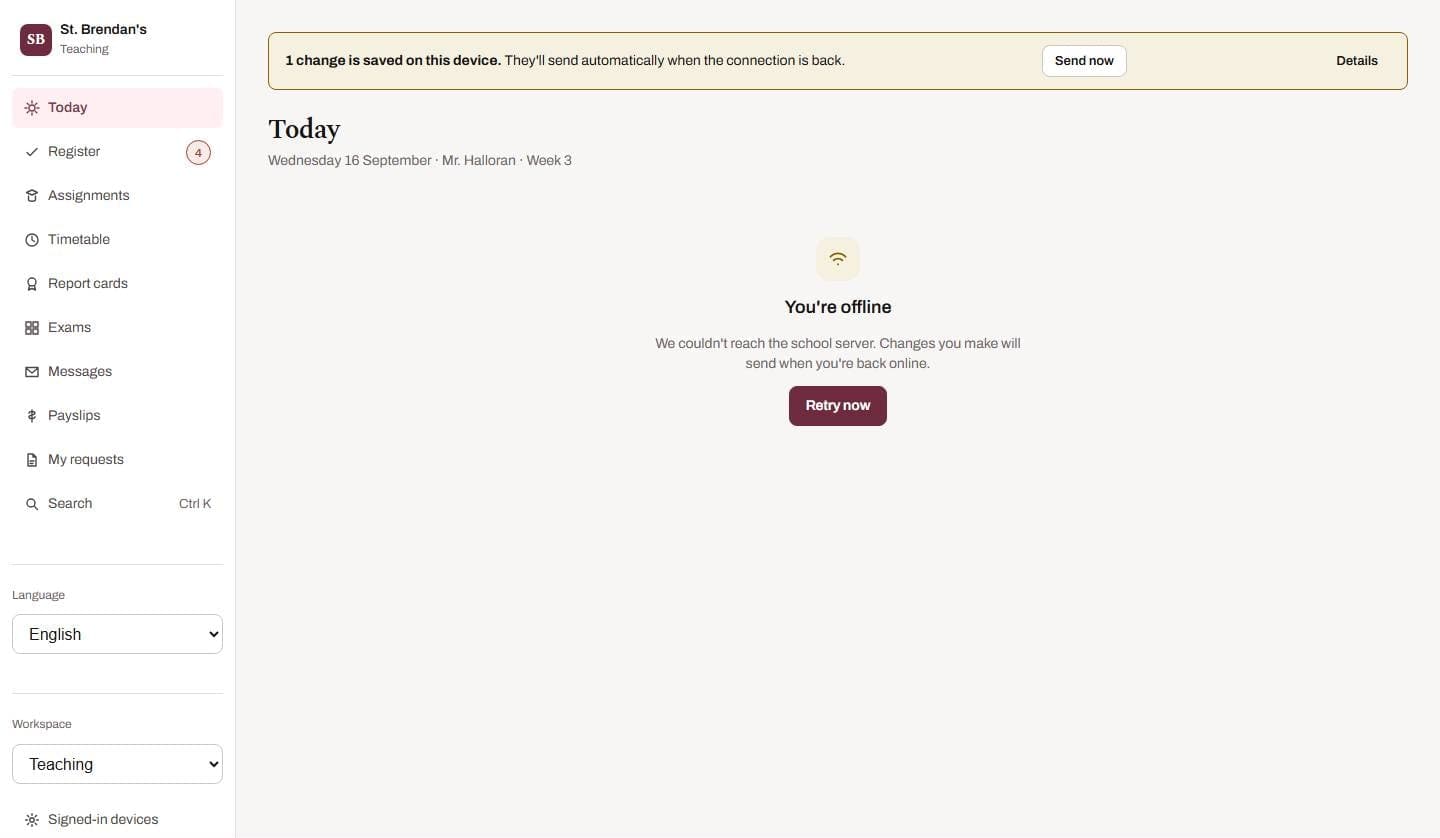
- With no connection, the app saves it on the device and gives it a unique key.
- A queue shows what is waiting to be sent, so nothing disappears silently.
- When the connection returns, the register is sent automatically.
- The server uses the key to record the register once, even if the device retries on a weak signal.
In AcademicsFlow, everything queued is visible in a “Waiting to send” screen and can be reviewed or discarded.
What can go wrong, and what should you look for?
| Failure | What it looks like | What to look for |
|---|---|---|
| A lost register | The teacher saves, and nothing ever arrives | A visible queue and no silent discarding |
| A duplicate register | A retry on a weak signal creates two records | A unique key and de-duplication on the server |
| A silent failure | The teacher believes it was sent when it was not | Clear status on every queued item |
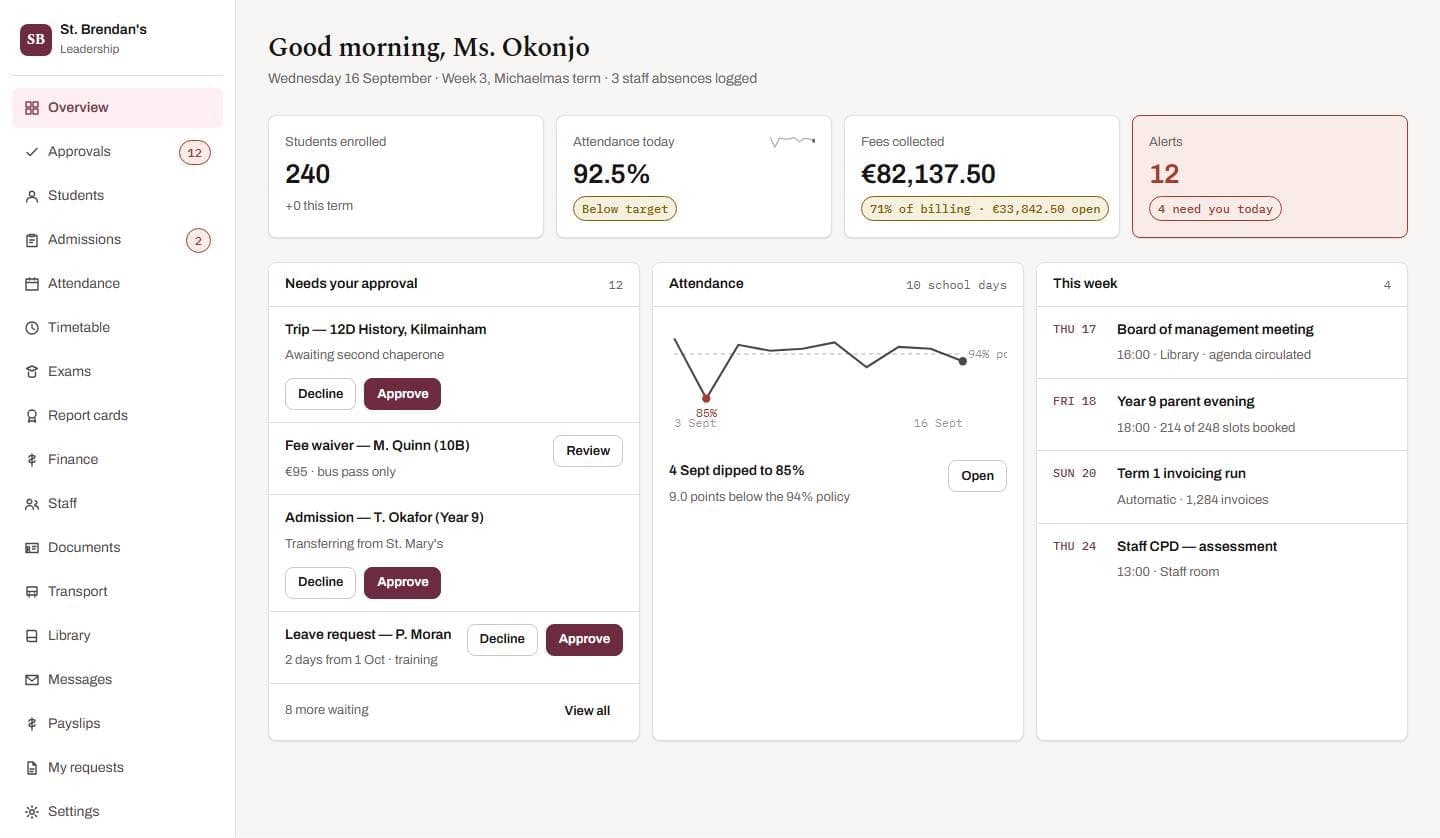
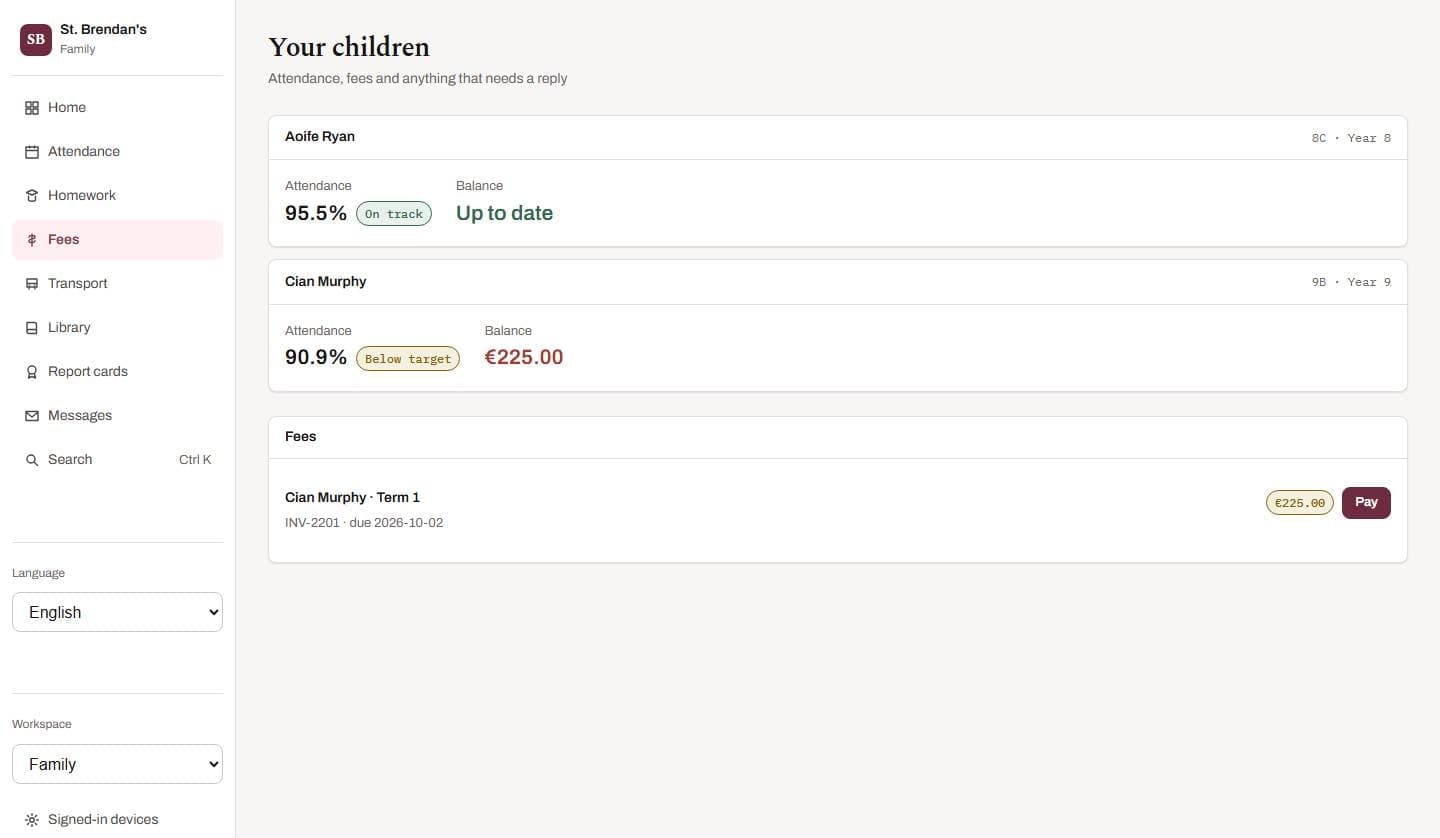
| Different numbers | Attendance figures differ between screens | One attendance rule shared by dashboards, family views and reports |
How do you test offline attendance before you buy?
- Ask for a demo on a populated sample school, not a slide deck.
- Open a register and mark a couple of exceptions.
- Cut the network yourself. Turn off Wi-Fi or use airplane mode rather than trusting a pre-recorded demo.
- Save the register and find where it is waiting.
- Restore the connection and confirm the register arrives once.
- Check that the dashboard and the family view show the same figure.
You can ask for the same test, with the network cut for real, in a live demo.
Does the same apply to school bus scans?
Yes. Boarding scans from an attendant's phone face the same problem, often with less signal. In AcademicsFlow each scan carries an id made on the device, so a scan sent twice tells the family once. See transport and school bus.
Offline, slow and intermittent: what is the difference?
Schools talk about “bad internet” as if it were one problem. It is three, and a system can handle one well and fail at another.
| Situation | What happens | What the software needs |
|---|---|---|
| No connection | A basement classroom, a rural site or a moving bus | Save the work on the device and send it later |
| Slow connection | Pages load, but a large request takes a long time | Small, efficient requests that do not time out |
| Intermittent connection | The signal drops and returns during a single action | Safe retries, so a repeated request is recognised and not recorded twice |
The third is the one that causes duplicates. A system that retries without a unique key can record the same register twice. A good system gives each submission a key made on the device, so the server can say “I have already got this one.”
What should teachers be told?
Offline support only works if staff trust it. A short briefing prevents the habit of writing a register on paper “just in case”:
- Take the register as normal. You do not need to check whether you are online.
- If you see that it is waiting to send, leave it. It will go when the connection returns.
- At the end of the day, look at the list of anything still waiting. If it is empty, everything has arrived.
- If something has been waiting for a long time, tell the office, who can review it.
- Do not clear the browser's stored data while registers are waiting, because the queue may be kept there.
Which schools benefit most?
- Schools with patchy coverage, such as rural sites, older buildings with thick walls and campuses with dead zones.
- Schools that run buses, where boarding scans happen on the road, often away from a signal.
- Schools with many classrooms taking registers at the same moment, which can overload a shared network even when it works.
- Schools in places where power or internet is interrupted, where the daily routine must not depend on both being on.
Even a school with excellent internet benefits, because the failure case, however rare, is the one that otherwise costs a day of registers.
A short checklist for buyers
- Can I switch the network off in the demo, myself, and still take a register?
- Where does the saved register live while it waits, and can I see it?
- What stops it being recorded twice when the connection comes back?
- Does the same hold for bus scans and other actions, or only for attendance?
- Which devices does offline work on: web, desktop, or only a phone app? AcademicsFlow's offline registers work on the desktop and web apps today, and the phone apps are coming soon.
How does AcademicsFlow handle it?
Registers start with everyone present, teachers mark the exceptions, and a register saved without a connection is queued on the device and sent exactly once when the signal returns. The same attendance rule feeds dashboards, family screens and report cards. Offline registers work on the desktop and web apps today, and iOS and Android apps are coming soon. Read more on attendance and registers, or see how attendance connects to the rest of the school in school management software and the student information system.