What is right-to-left support?
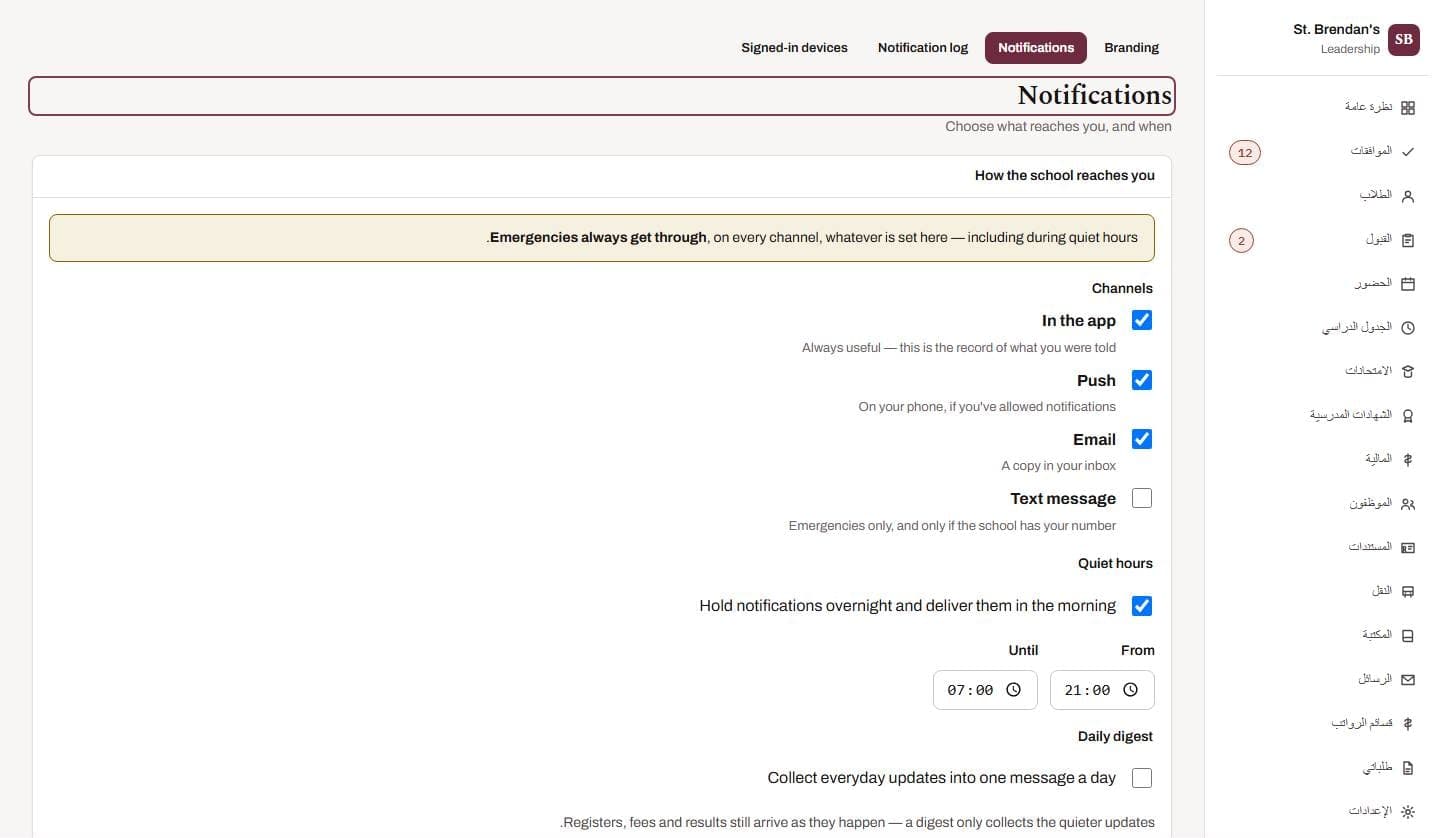
Arabic, Hebrew, Persian and Urdu are written from right to left. Software that supports them properly mirrors its layout: the navigation moves to the right, text aligns to the right, and the direction of arrows and progress follows the reading direction. Software that only translates the words leaves the layout unchanged and feels wrong to the people reading it.
What does good right-to-left support include?
| Area | What to check |
|---|---|
| Layout mirroring | Navigation, sidebars, breadcrumbs, tables and forms flip as a whole. |
| Mixed-direction text | An English or numeric name inside an Arabic sentence displays in the right order. |
| Numbers and dates | They appear in the format your community expects, and read correctly in context. |
| Direction-sensitive icons | Arrows, back buttons and progress indicators point the right way. |
| Language switching | Switching language does not lose work or need a reload. |
| What families receive | Check notices, emails and printed documents as well as the app, and ask what is translated. |
How do you test it?
- Switch the interface to Arabic and open the screens you will use most: register, fees, messages and report cards.
- Look for anything that did not flip, or flipped incorrectly.
- Enter a student with an Arabic name and one with a mixed Arabic and English name, then check lists, search and printed pages.
- Switch back to English and check nothing was lost.
- Ask whether the language can be chosen per person or only for the whole school.
- Ask how new languages are added and who checks the translation.
Why does the whole layout need to flip?
Readers of Arabic and other right-to-left languages begin at the top right of a page and move left. A menu on the left, a progress bar filling to the right or a “next” arrow pointing right all go against that direction, and each one adds a small cost to every task. Across a school day, with a hundred taps, the cost is large.
Good software handles this in its styles. Instead of fixed “left” and “right”, it uses logical properties such as “start” and “end”, so that one set of rules produces both layouts. That is what makes switching the language flip everything at once, and not just the parts someone remembered to adjust. The W3C's internationalization pages explain the principles in depth.
Which problems appear most often?
| Problem | What it looks like | How to find it |
|---|---|---|
| Half-mirrored layout | The menu flips but a table or a form does not | Open the busiest screens and look for anything still left-aligned |
| Mixed-direction text | An English name inside an Arabic sentence appears in the wrong order, or punctuation lands on the wrong side | Enter a student whose name mixes Arabic and Latin letters and read it in a list |
| Wrong-way icons | A back arrow that points forward, or a progress bar that fills from the wrong end | Step through a multi-page flow such as an application |
| Numbers and dates | Digits or date order that confuses readers | Check a date, a phone number and a currency amount in context |
| Charts and tables | Columns or axes in the wrong order | Look at the attendance chart and a wide table |
| Printed pages | A report that prints left-to-right even though the screen is mirrored | Print or save a report card and a certificate as PDF |
What about emails, notices and printed documents?
A school's families meet the system mostly through what it sends them, not through the screens staff use. Ask specifically what is translated and mirrored in:
- Emails and push notifications, including the sender text and the subject line.
- Report cards, certificates and ID cards, which are printed and kept.
- Messages from teachers, where the family's language may differ from the teacher's.
- Sign-in and password pages, which every parent must pass through.
If the answer to any of these is “English only”, find out whether that is acceptable for your community, or whether it is an extra to be built.
How do you choose languages and check the translation?
Start from the languages your families actually read, which may be more than two. Then ask who wrote the translation and who checked it. A machine translation that no native speaker has read tends to be stiff in tone and wrong on the terms that matter, such as “absent”, “late” and “outstanding balance”.
Ask how a new language is added, how long it takes and what it costs, and whether it can be changed later if the wording is not right. A language you can add and correct is worth more than a long list you cannot touch.
How does AcademicsFlow handle right-to-left?
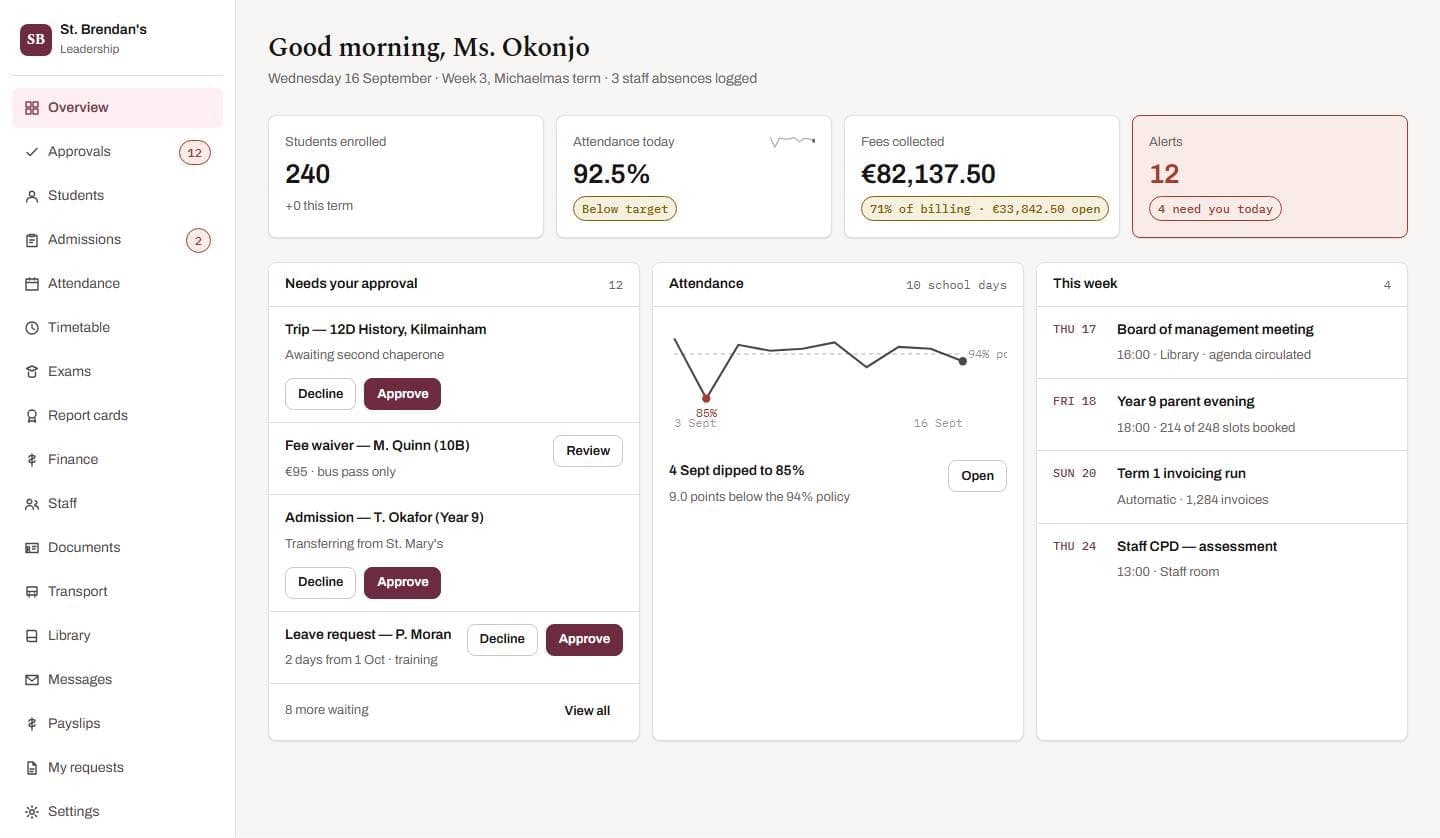
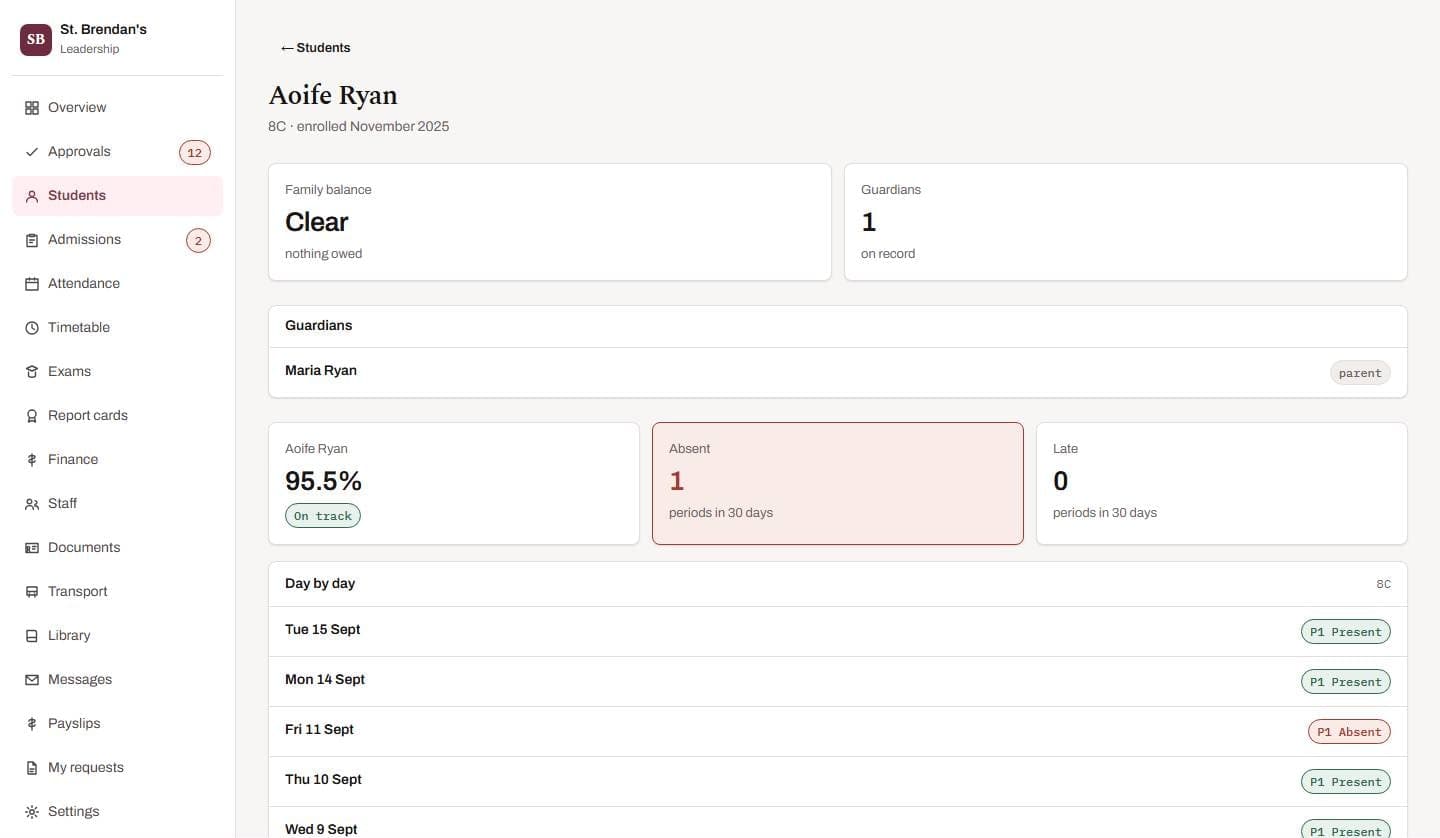
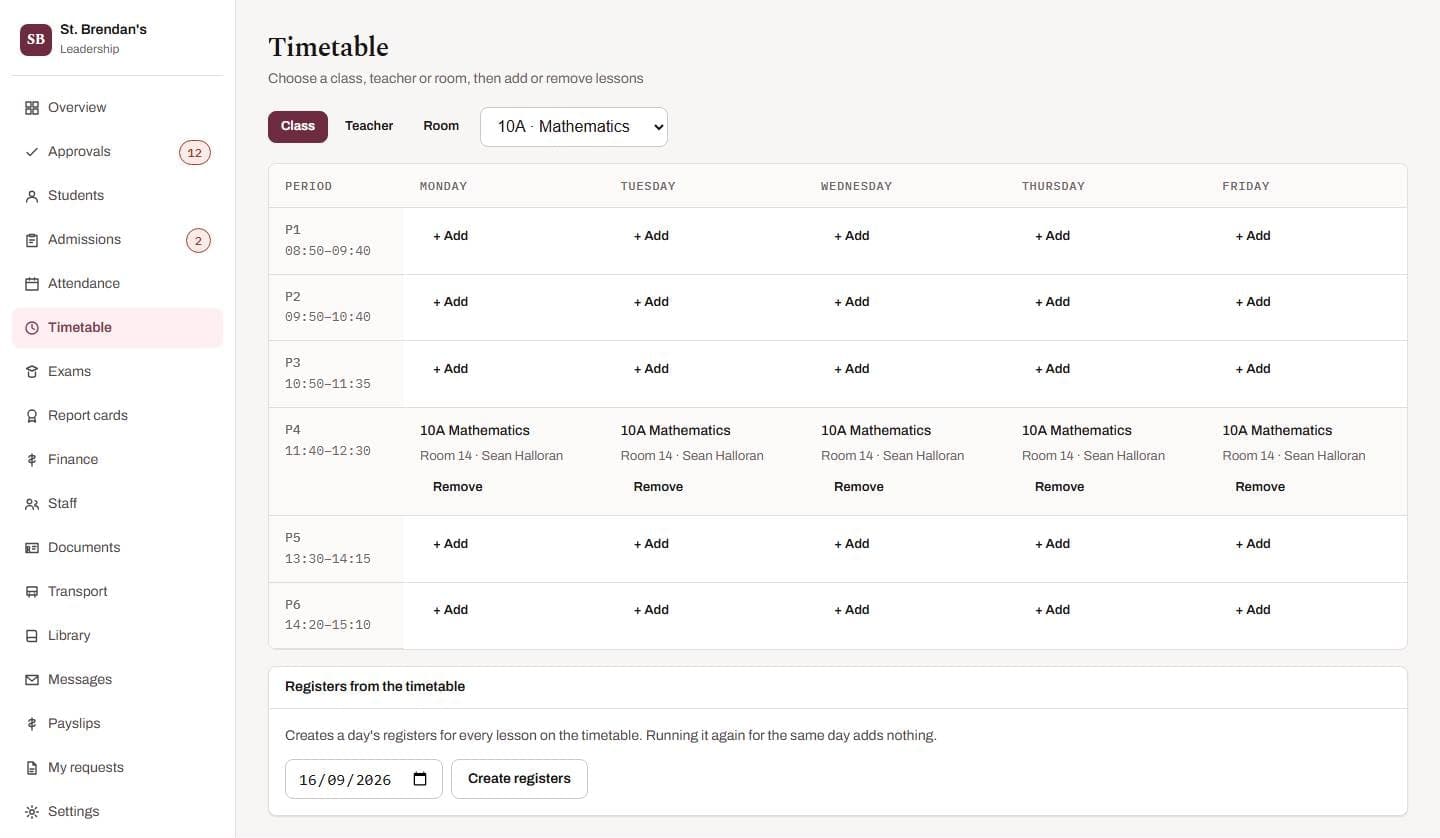
The app ships in English, Irish (Gaeilge) and Arabic. Choosing Arabic mirrors the entire layout, because the styles are written with logical properties instead of fixed left and right, and you can switch back to English without a reload. More languages are available on request, with full translation and native-speaker review as an optional add-on.
See how this works for international schools, or ask for it in a live demo. Arabic is also available in the wider school management software.